Product comparison

Choose the right tool for the renovation decision in front of you

Renotrend has three different ways to visualize a home exterior. Compare them by workflow, feature depth, and the kind of conversation you need to have with a homeowner or client.

AI-enabled browser exploration Web App
White-label client presentation Facade Studio
Branded workspace option Facade AI

Quick read

Three tools, three different jobs

Pick based on whether you need AI-enabled renovation exploration, a white-label in-person presentation, or a new exterior concept with a branded workspace option.

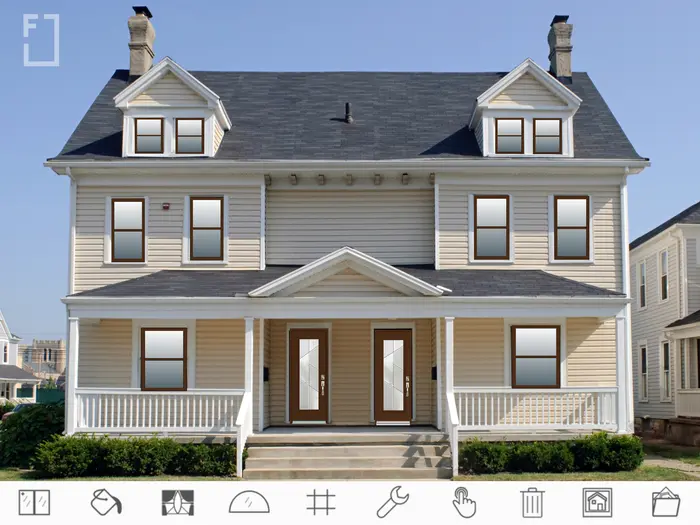
Renotrend web app showing an exterior design preview

AI-enabled browser workflow

Web App

Best when you need AI-enabled exterior renovation exploration and practical comparisons in a browser. It supports windows, doors, colors, materials, and broader facade changes, but is not white-label today.

Best for

  • AI-assisted exterior renovation exploration
  • Sales teams showing quick browser-based previews
  • Projects that need practical comparisons without branding
Browser-basedAI-assisted renovation explorationColor and material suggestionsNot white-label today
Launch Web App
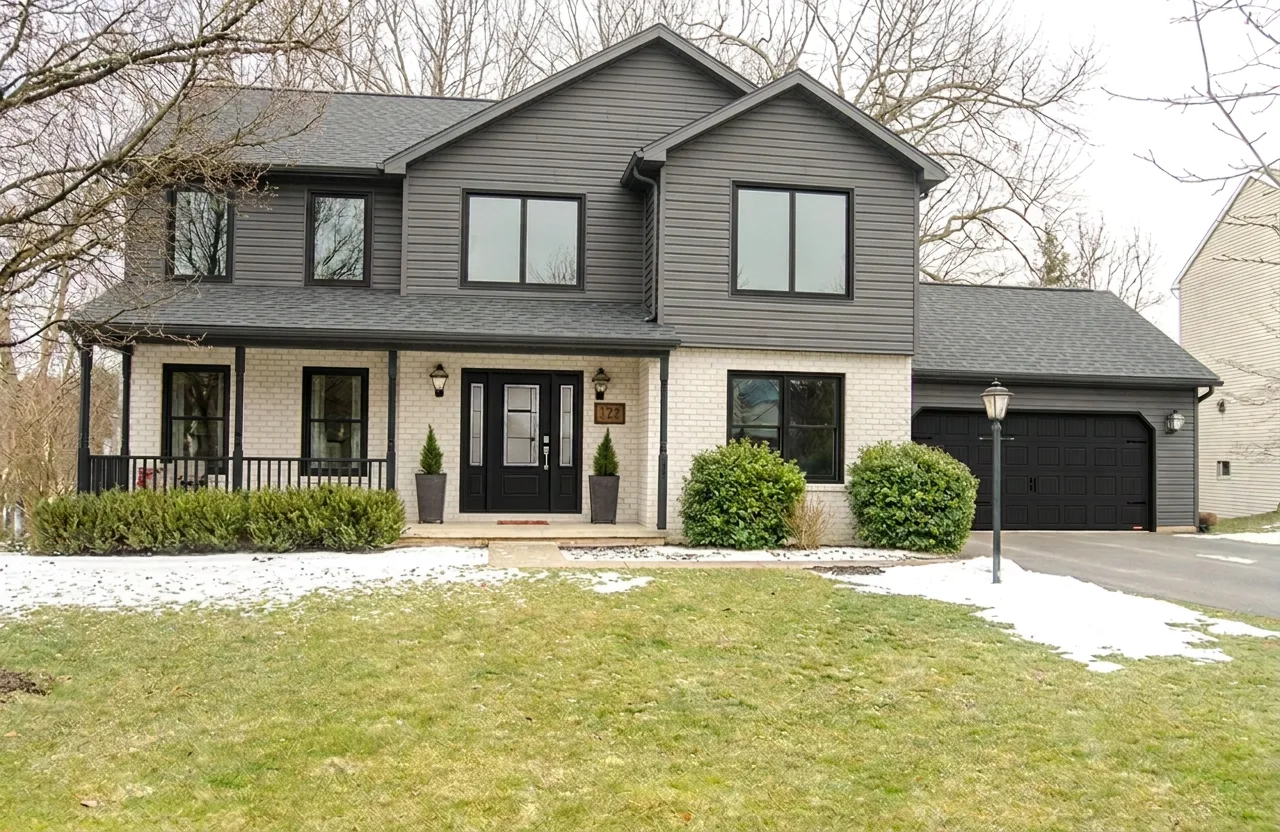
Facade AI transformation concept for a house exterior

Best for new concepts and branded workspaces

Facade AI

Best when you want new exterior renovation ideas quickly, including complete facade style changes generated from a photo. Business Space adds an optional branded environment for client concepts.

Best for

  • Instant inspiration
  • Exploring multiple styles before committing
  • Branded client concept workspaces
Complete AI transformationsElement selection and maskingPrompt-based design explorationOptional branded Business Space
Try Facade AI

Decision guide

Choose by situation

You need AI-assisted exploration in a browser

Use it to explore a complete exterior renovation and compare practical windows, doors, colors, materials, and facade changes.

Start with the Web App

You need to present under your company brand

It provides a white-label iPad experience for sales meetings and showrooms, especially in the window and door industry.

Use Facade Studio

You need a fresh direction or a branded concept workspace

It explores complete exterior redesigns, and Business Space can provide a branded environment for client concepts.

Try Facade AI

Feature matrix

Compare the practical differences

This table keeps the details simple, so you can see where each tool fits without reading a long product page.

FeatureWeb AppiPad AppFacade AI
Setup Open in a browser Install from App Store Open in a browser
Main workflow Explore and compare exterior renovation options with AI White-label presentation and adjustment on-site Generate new AI concepts and organize branded client concepts
Best decision stage Exploration and practical comparison Branded client consultation Finding a design direction and sharing concepts
White-label branding Not available today Available for businesses Available through Business Space
AI capabilities AI-assisted exterior renovation exploration AI-assisted design during a client presentation Complete AI concept generation
Manual control High High Guided by prompts and selection
Speed Fast Fast during meetings Fastest for new ideas
Offline access No Yes for core tools; AI requires a connection No

Suggested workflow

Use the tools together when the project needs more confidence

For bigger exterior renovations, the best answer is often not one tool. Start broad, narrow the style, then make practical product choices.

  1. 1

    Explore style directions with Facade AI

    Generate several exterior concepts and use Business Space when a branded client workspace is needed.

  2. 2

    Explore and compare in the Web App

    Use AI-enabled browser exploration to compare practical renovation options and broader facade changes without white-label branding.

  3. 3

    Present under your brand with Facade Studio

    Use the white-label iPad workflow for sales meetings, estimates, and showrooms, especially for window and door presentations. AI capabilities also help your team explore broader exterior renovation directions with the client.

FAQ

Common comparison questions

Can I use more than one tool?

Yes. A common workflow is to use Facade AI for early inspiration or a branded concept workspace, the Web App for AI-enabled browser exploration, and Facade Studio for white-label client presentations.

Which tool should a homeowner start with?

Most homeowners should start with the Web App if they want practical renovation previews. Facade AI is better when they are still exploring the overall style.

Which tool is better for contractors?

Facade Studio is strongest when a business needs a white-label in-person sales experience. The Web App supports AI-enabled browser exploration but is not branded today; Facade AI provides Business Space for branded client concepts.

Do the AI results replace a contractor or designer?

No. AI concepts help with direction and communication. Final choices should still be checked against real products, budgets, measurements, and local construction constraints.

Ready to compare on a real house?

Start with the tool that matches your next decision.